

Excel Financial Dashboards for Income, Cash Flow, and KPI Reporting
Discover powerful financial dashboard templates in Excel built to simplify cash flow tracking, profit and loss reporting, and forecasting—ideal for finance teams and professionals. This collection is a subcategory of our full Excel dashboard template library.
Read more
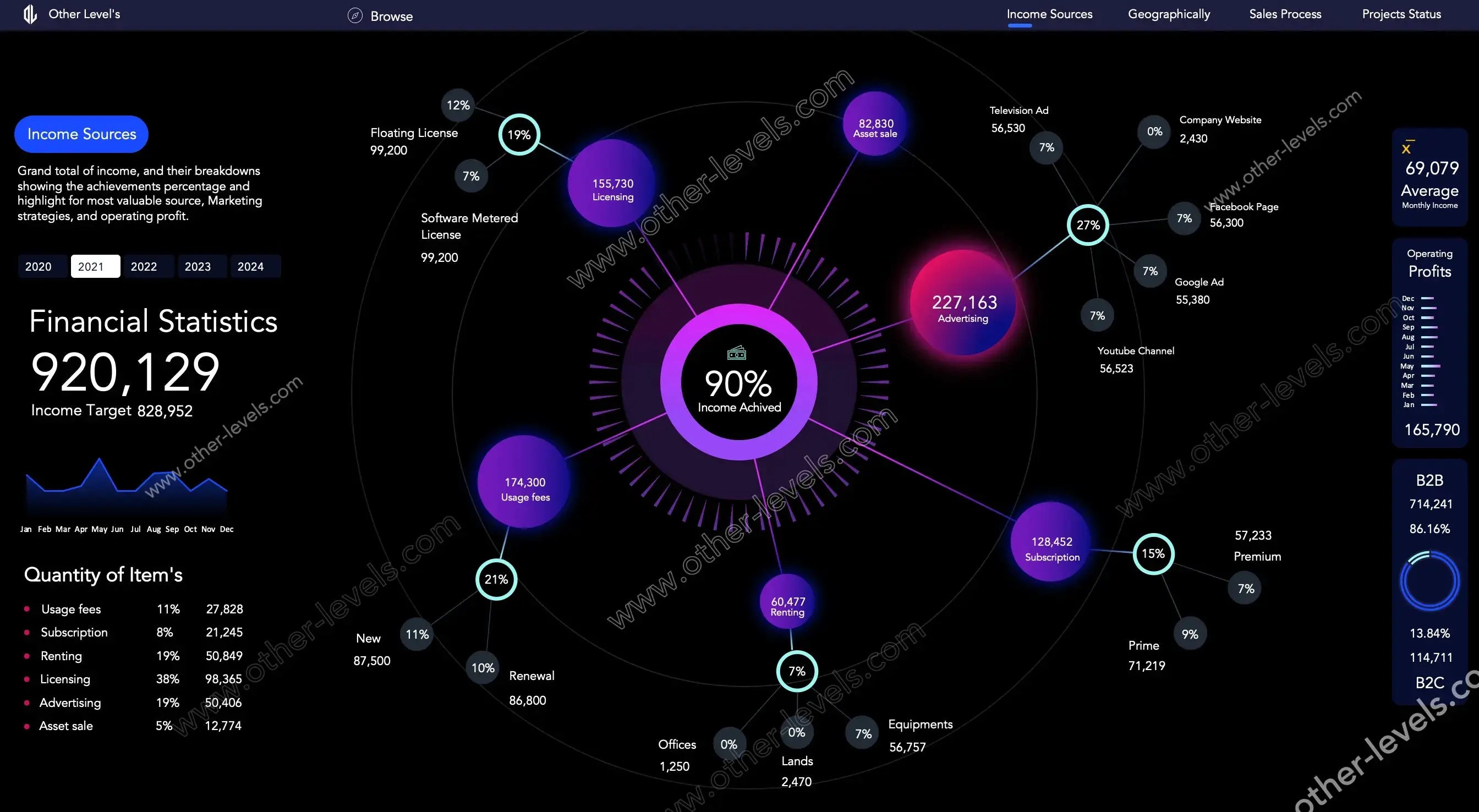
This collection includes Excel dashboards for finance, featuring dynamic profit and loss charts, accounts receivable tracking, operating expense analytics, payroll reporting, revenue analysis, and geographical KPIs. Each downloadable template is ready to edit and designed to improve financial reporting and decision-making.
Use PivotTables, interactive slicers, automated calculations, budget-versus-actual analysis, income and expense tracking, cash flow forecasts, and P&L statements without coding. These templates support CFOs, accountants, finance analysts, managers, and small-business owners.
Which Financial Dashboard Do You Need?
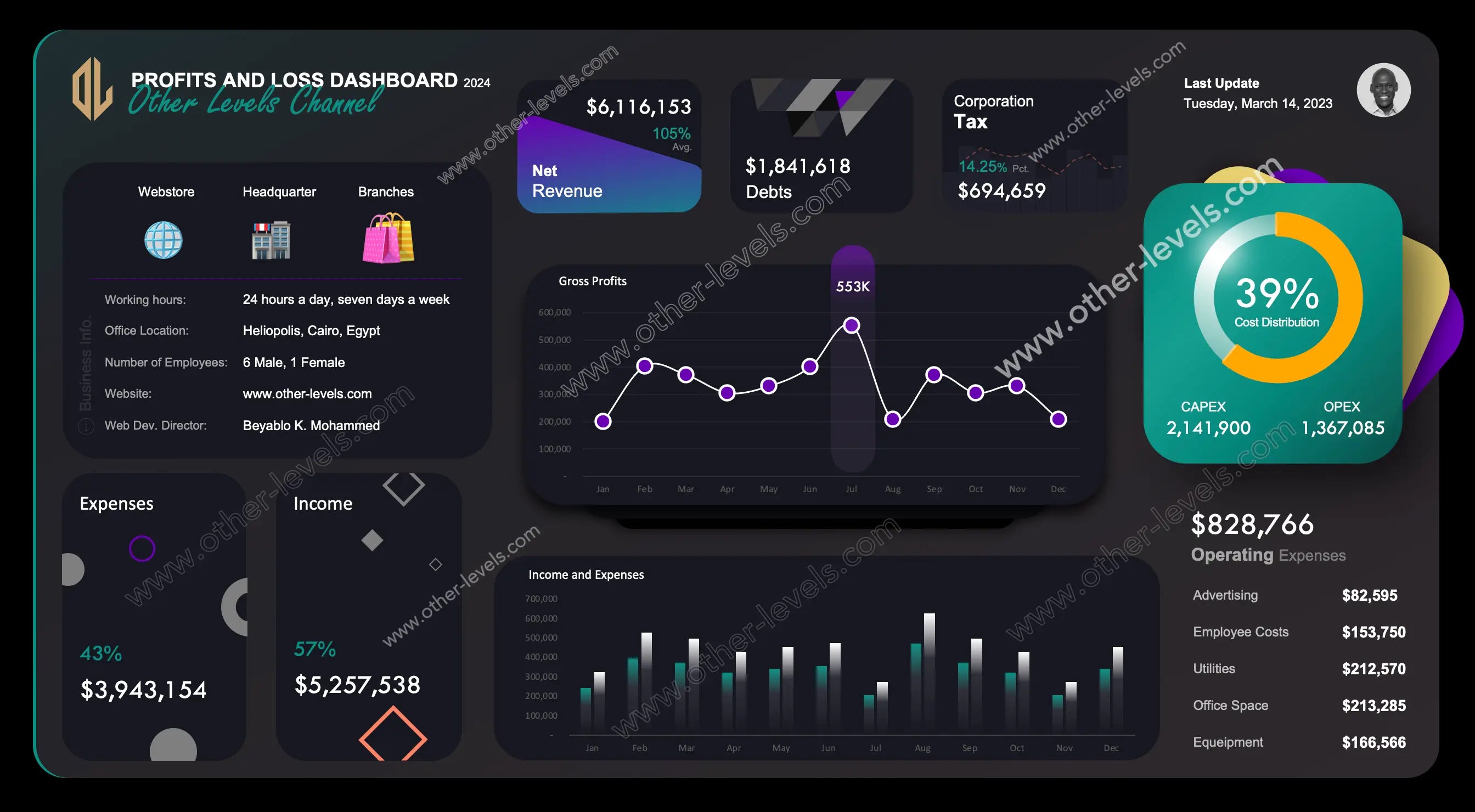
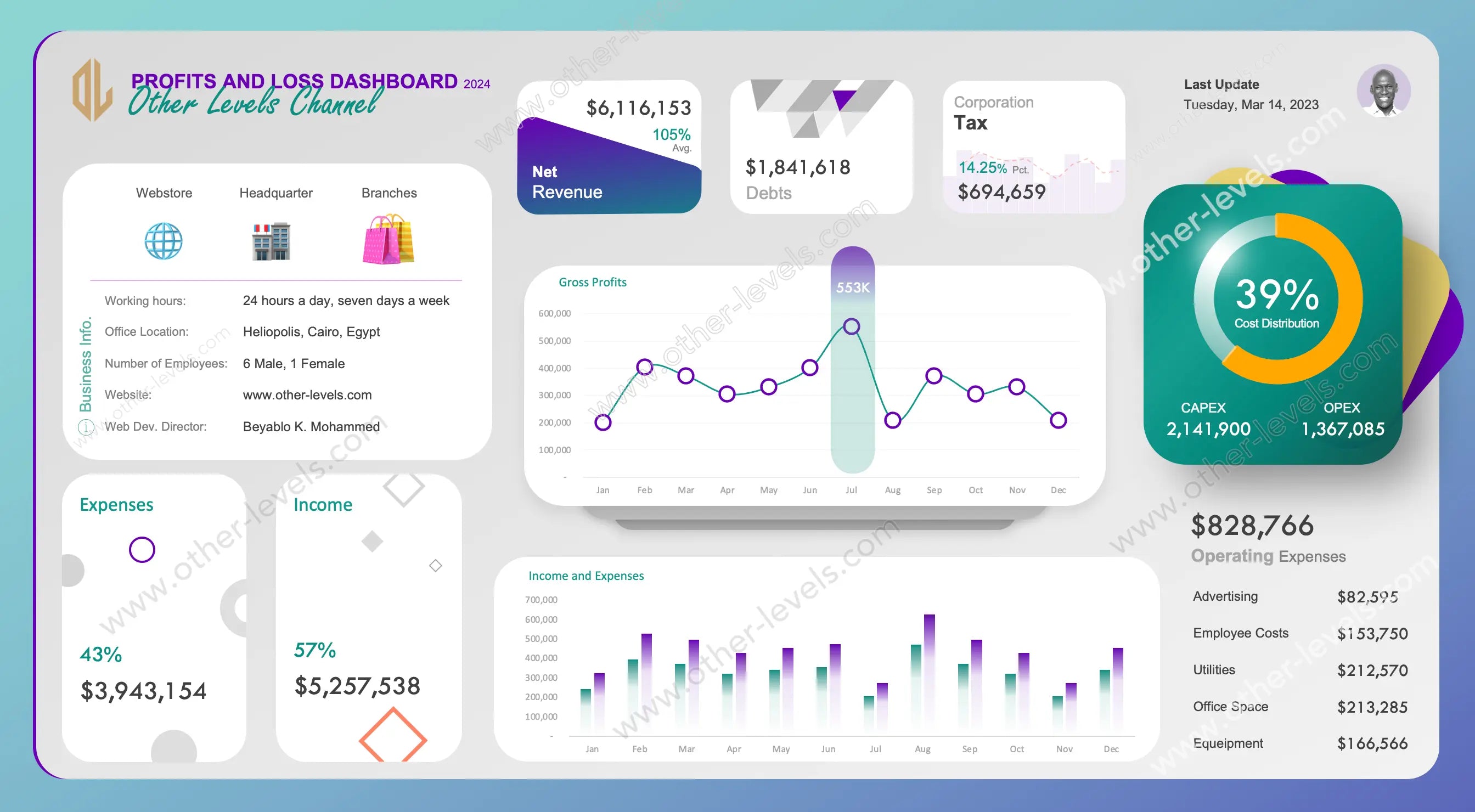
- Profit and loss (P&L): see revenue, costs and net profit by month with dynamic charts — start with the Profit and Loss Statement Template or the light theme version.
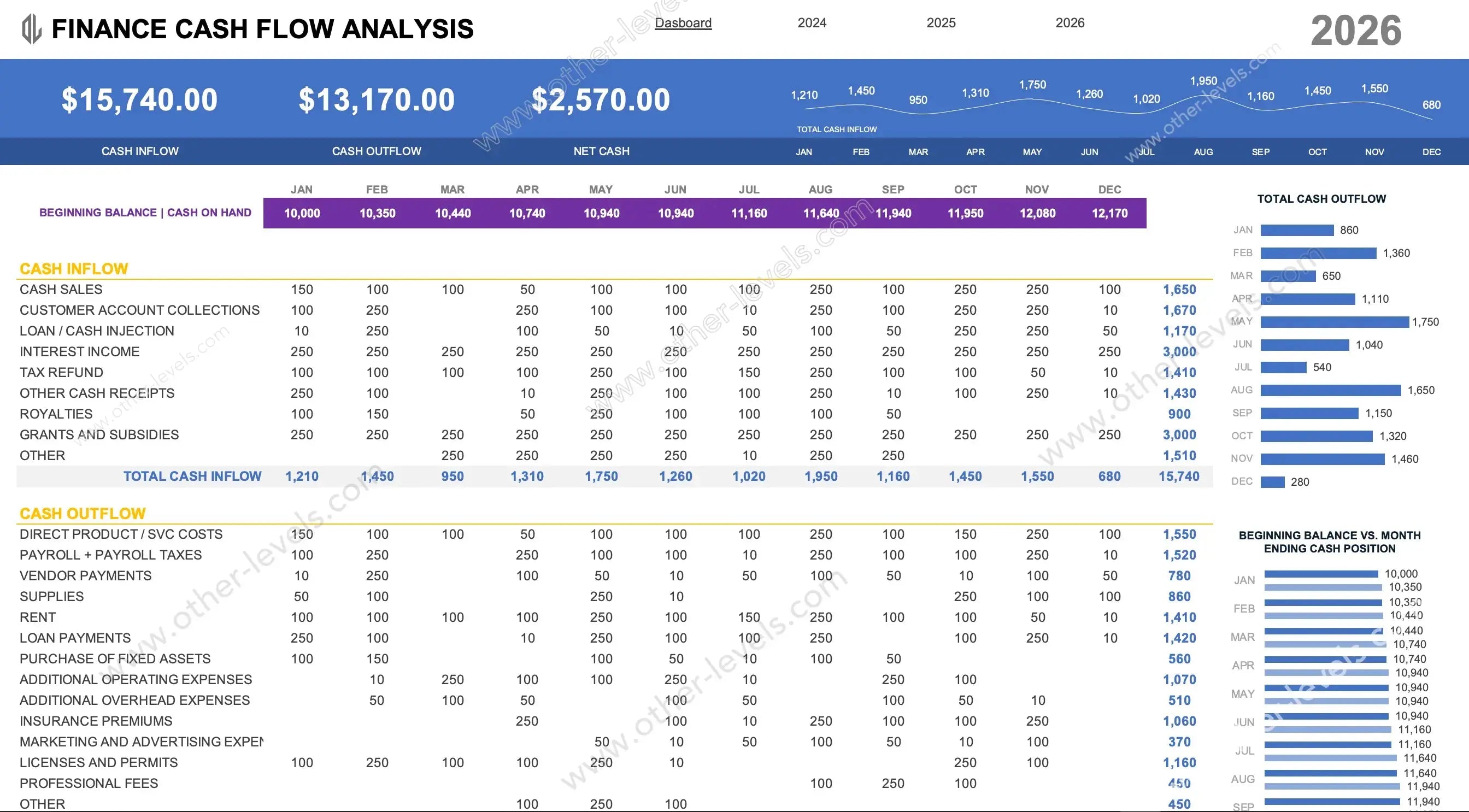
- Cash flow: track inflows, outflows and operating expenses with the Cash Flow Analysis Excel Dashboard.
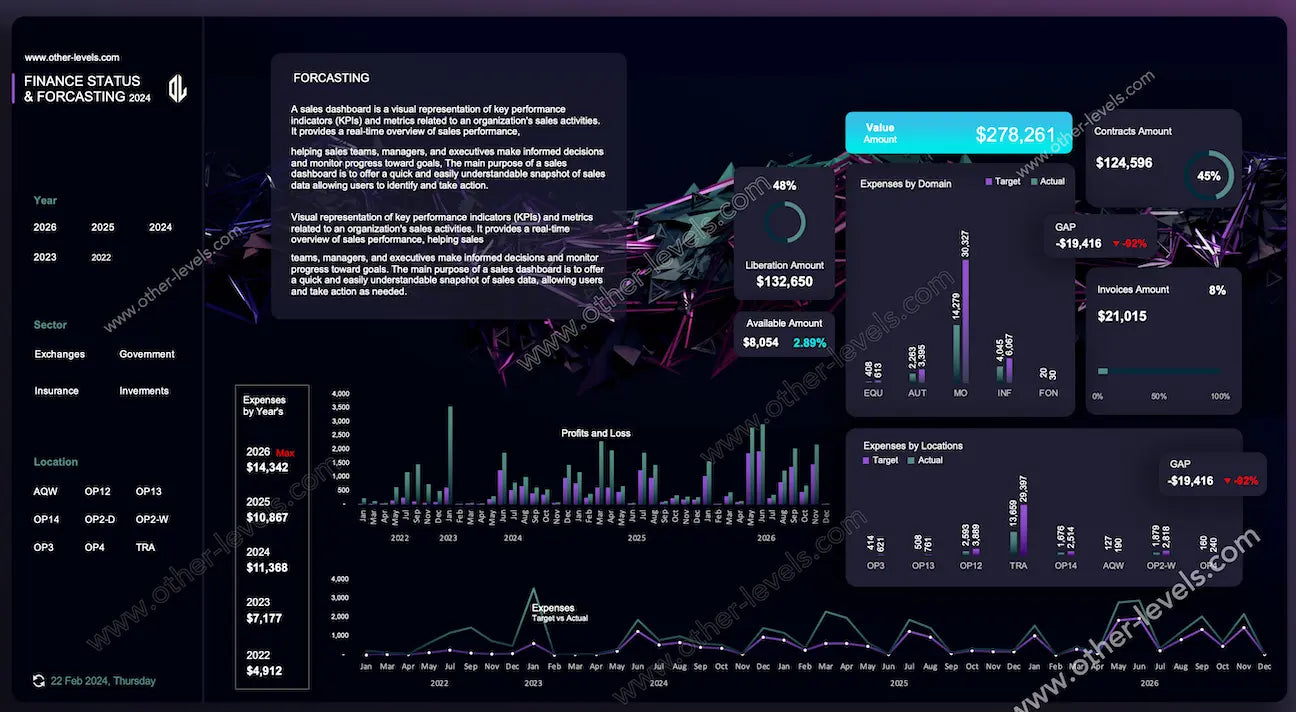
- Forecasting: forecast your P&L with the Finance Forecasting Excel Dashboard.
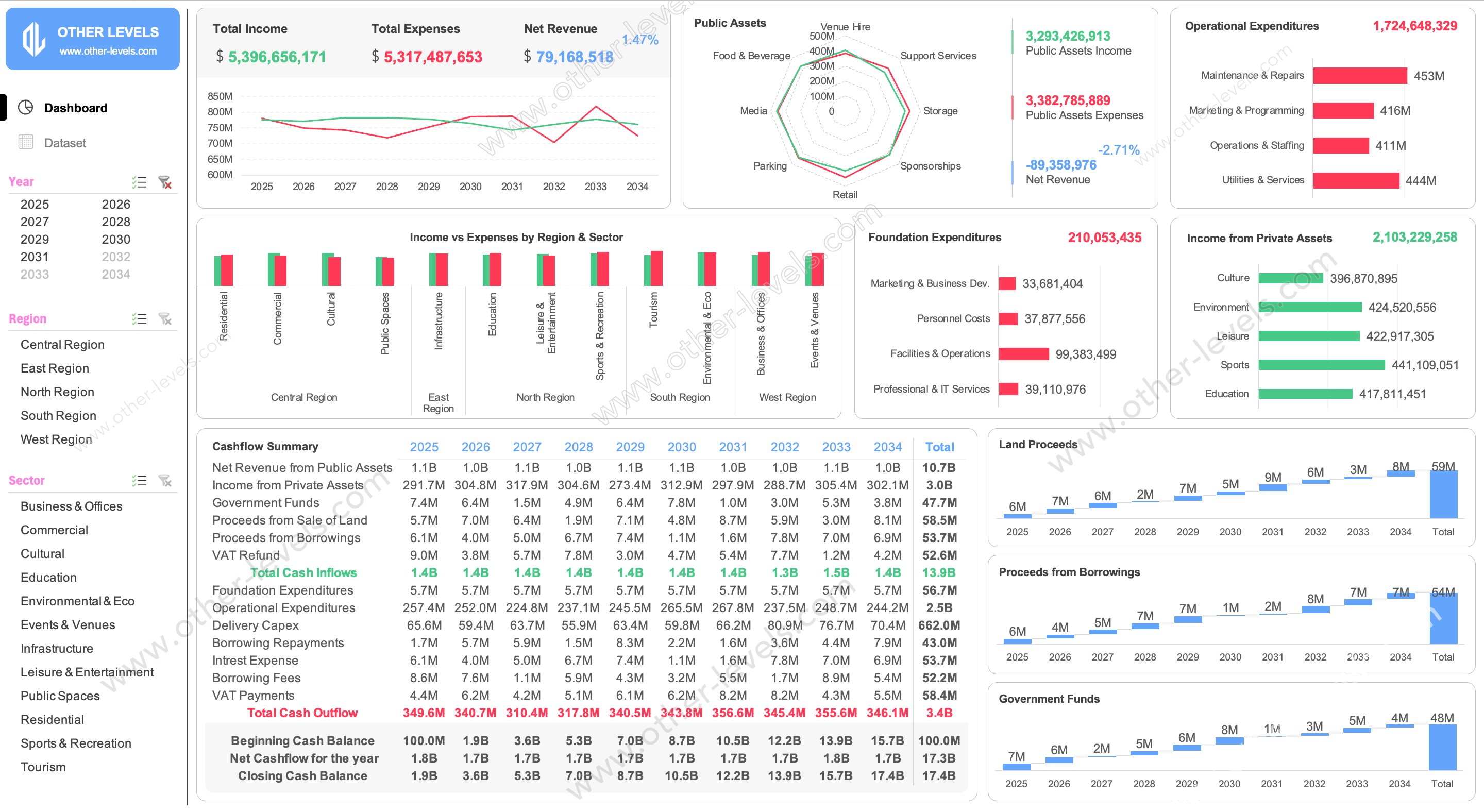
- Revenue and expenses: break down where money comes from and where it goes with the Revenue and Expense Analysis Dashboard.
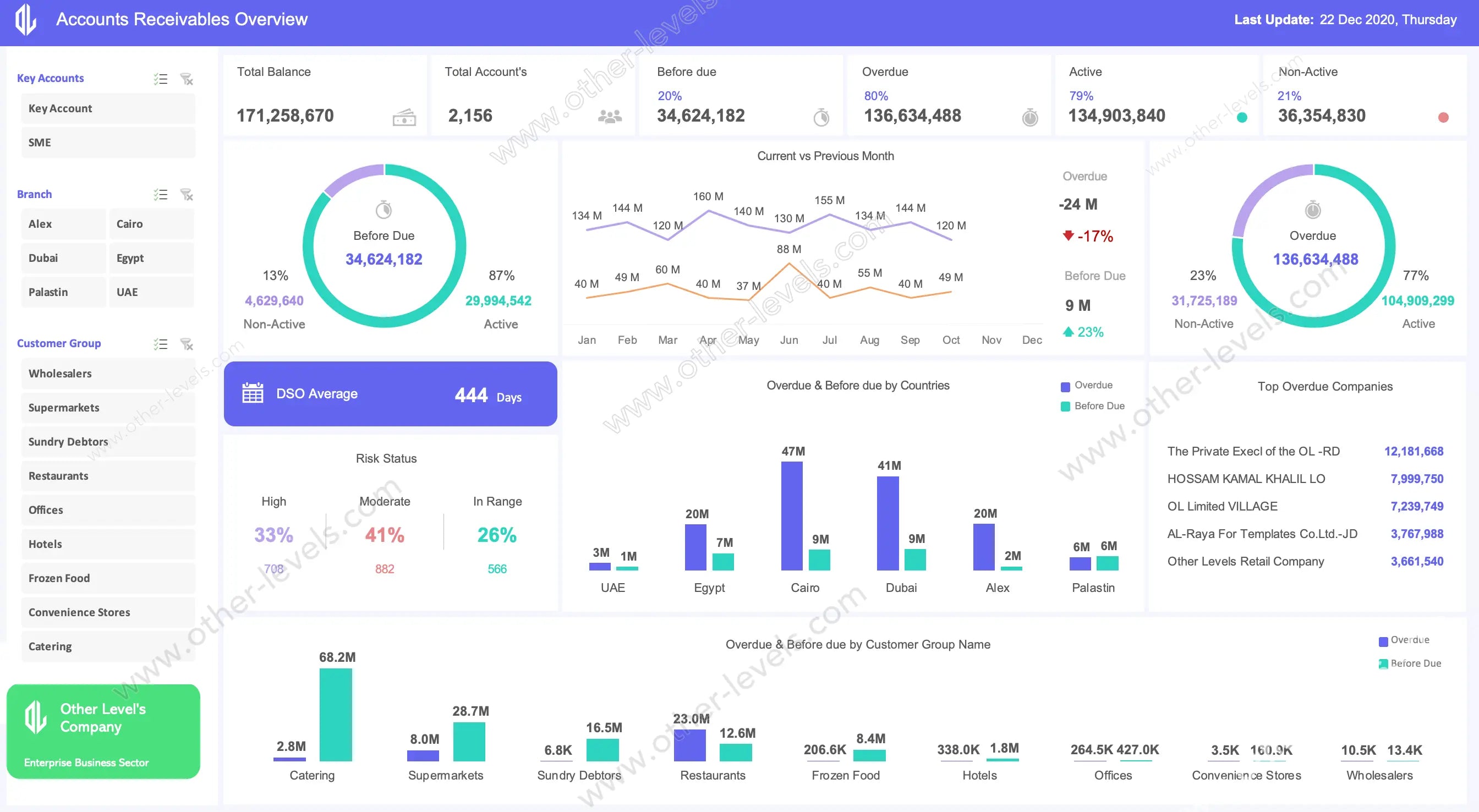
- Accounts receivable: monitor outstanding invoices and collection risk with the Accounts Receivable Excel Dashboard.
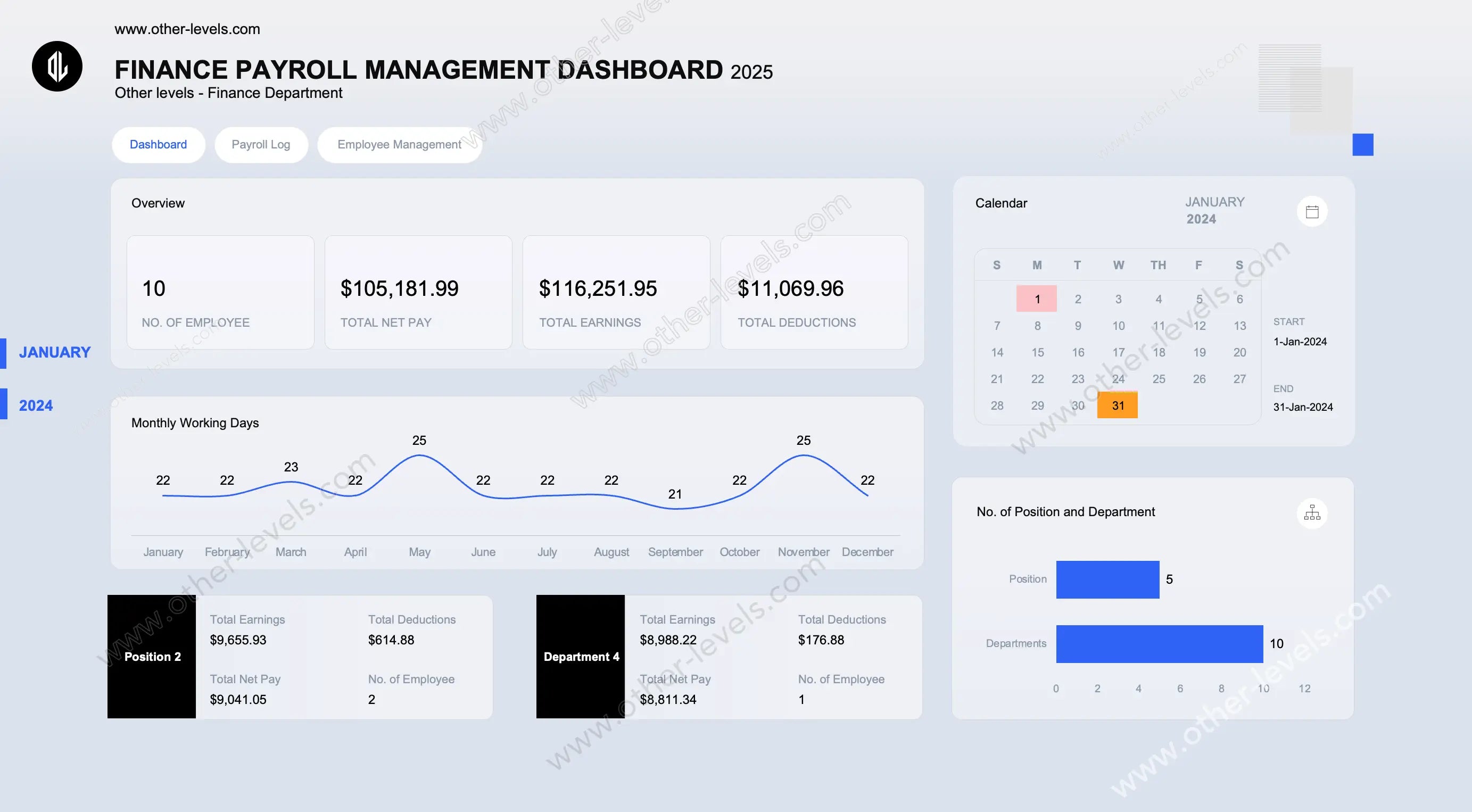
- Payroll: analyse payroll costs with the Payroll Management Excel Dashboard.
- Large projects: plan funding and cash flow across phases with the Mega Project Cashflow and Funding Strategy Dashboard.
Common Financial KPIs You Can Report
Typical financial dashboards track revenue, gross profit, net profit margin, operating expenses, budget versus actual variance, cash inflow and outflow, accounts receivable balance, and payroll cost. Check each product page for the exact KPIs, charts and sheets included in that template.
Frequently Asked Questions
What is a financial dashboard in Excel?
A financial dashboard is a one-page Excel report that summarises key numbers such as revenue, expenses, profit and cash flow using KPI cards, charts and slicers, so you can review performance without reading raw spreadsheets.
Can I add my own data?
Yes. The templates are editable Excel files, so you can replace the sample data with your own. Review each product page for its included files and instructions before purchasing.
Do I need VBA or coding?
No coding is needed to use these dashboards; they are built with standard Excel features such as formulas, PivotTables, charts and slicers.
Is there a free option to practise first?
Yes — our free Excel datasets let you practise building dashboards before you buy a template.
Explore Related Dashboard Templates
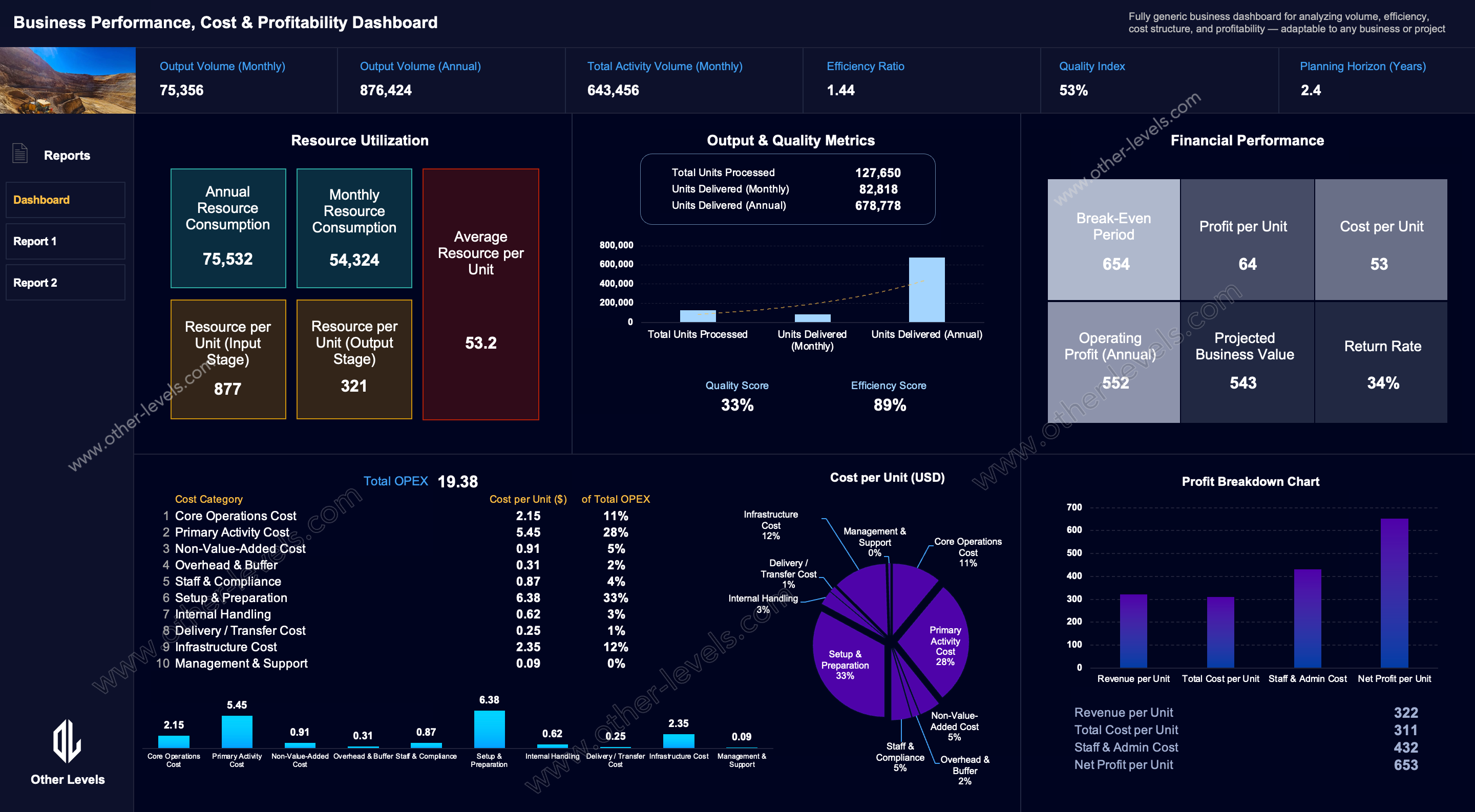


Explore our curated Excel Dashboard Templates — from Finance and Sales to HR and Inventory dashboards. All templates include step-by-step video tutorials on our Other Levels YouTube Channel.