

Excel Supply Chain Dashboard Templates for Logistics, Fleet, Freight, and Vendors
Explore editable supply chain dashboard templates in Excel for logistics, transportation, fleet operations, cargo, freight performance, vendor spend, inventory movement, and cost analysis. Browse our complete Excel dashboard template library for additional business reporting tools.
Read more
These downloadable logistics dashboards help supply chain professionals monitor freight KPIs, shipment activity, transportation costs, route performance, cargo movement, driver expenses, fleet utilization, vendor costs, and operational trends.
Use PivotTables, slicers, dynamic charts, maps, automated formulas, and KPI cards to create monthly operations reports without coding. Replace the sample data and customize the workbook for logistics teams, warehouse managers, procurement analysts, fleet operators, and supply chain leaders.
What you can track with these supply chain KPI dashboards
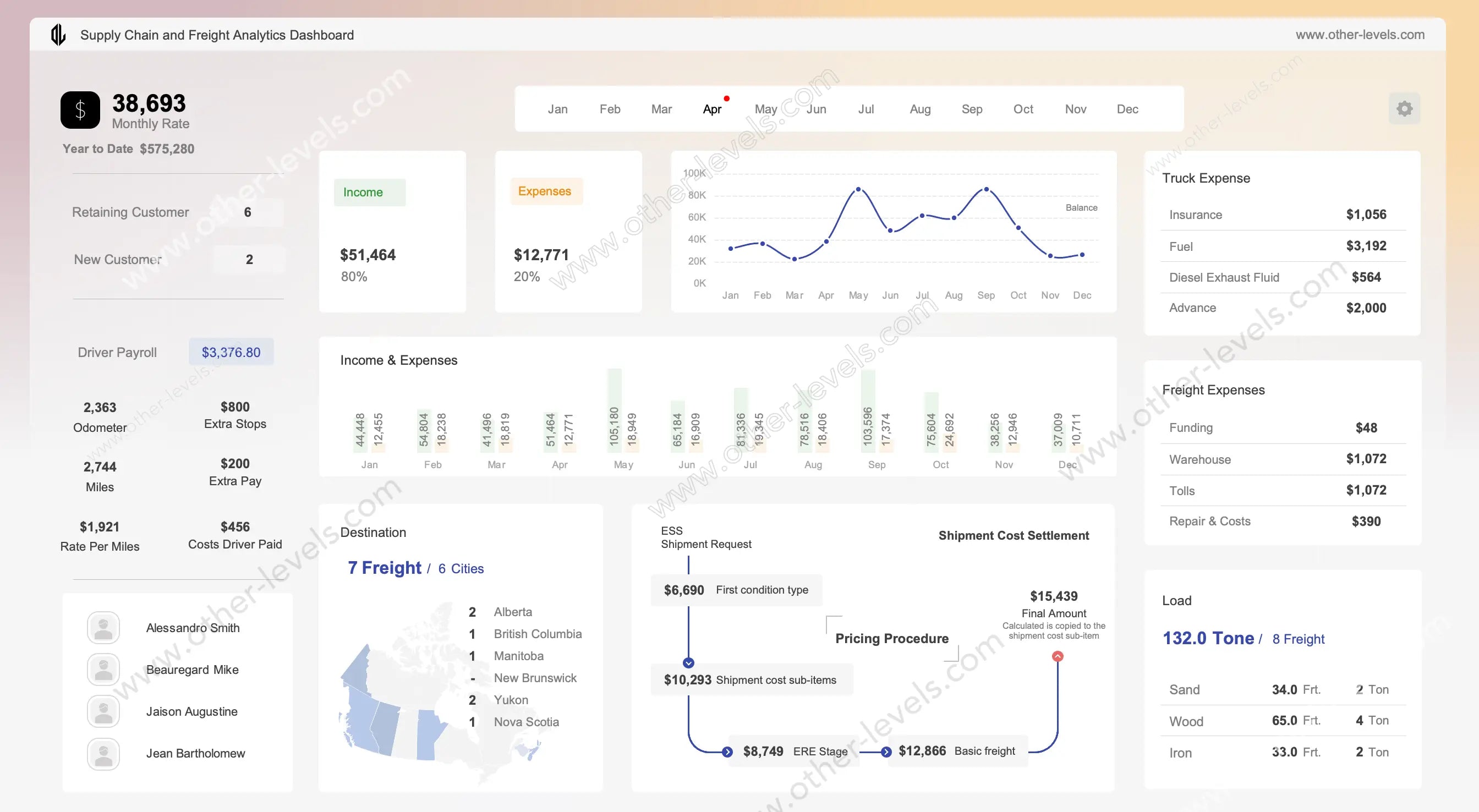
- Freight and transport costs: cost per shipment, truck and freight expense breakdowns, driver payroll and cost by destination.
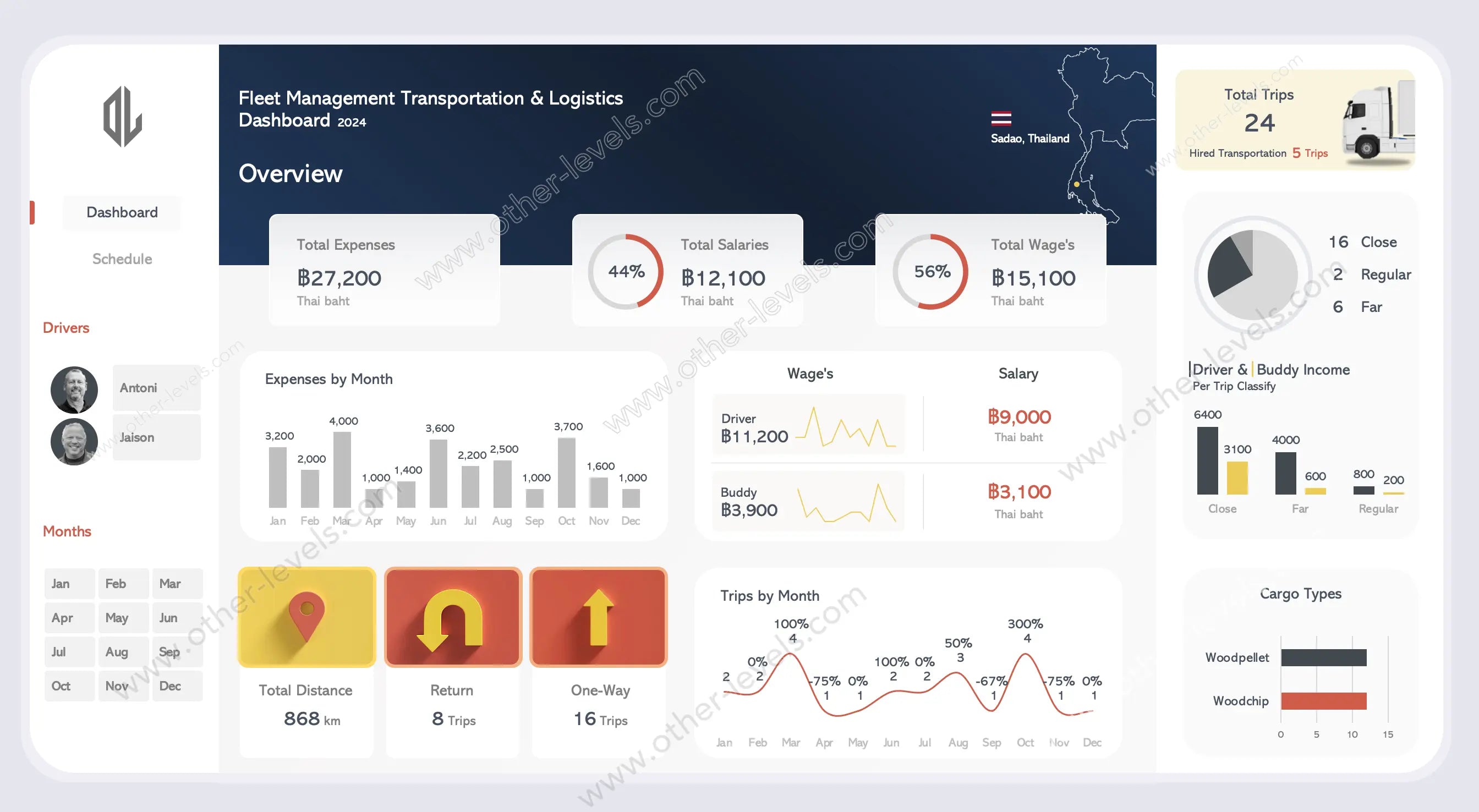
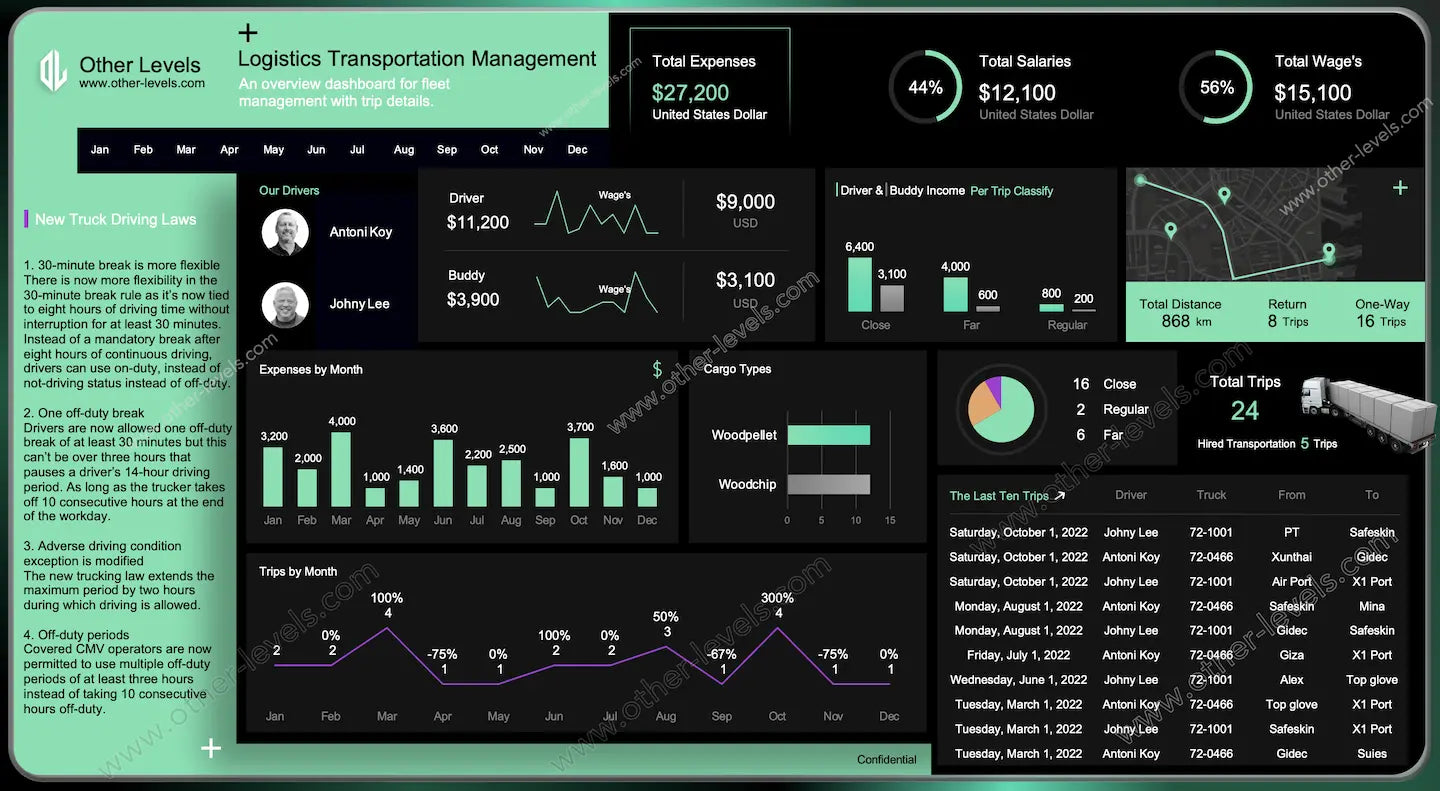
- Logistics performance: trips by route and class, cargo types, monthly trends and a log of recent trips.
- Fleet management: vehicle costs, utilization and performance across the fleet.
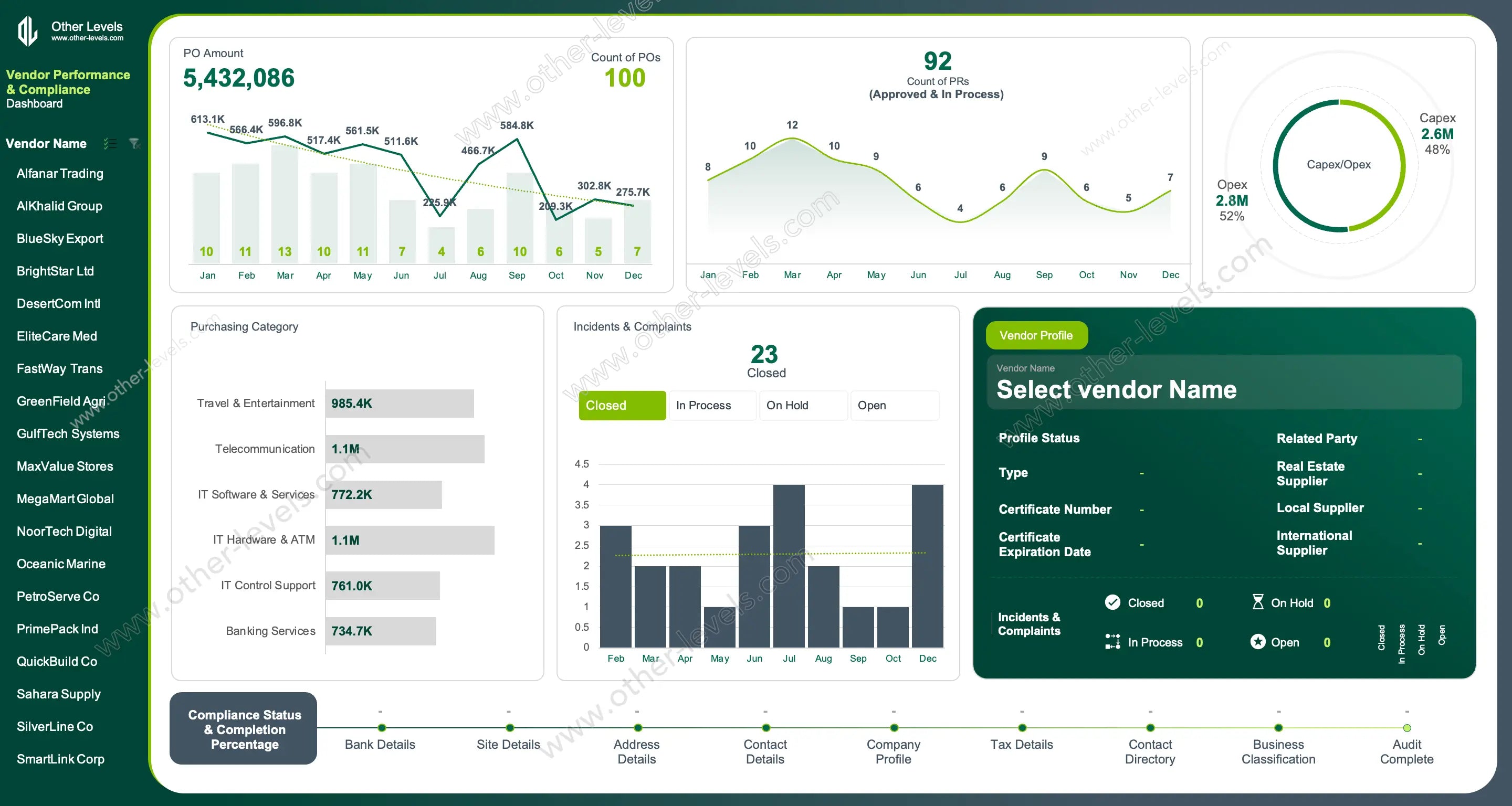
- Procurement and vendors: purchase orders over time, spend by category, Capex vs Opex, vendor risk and compliance.
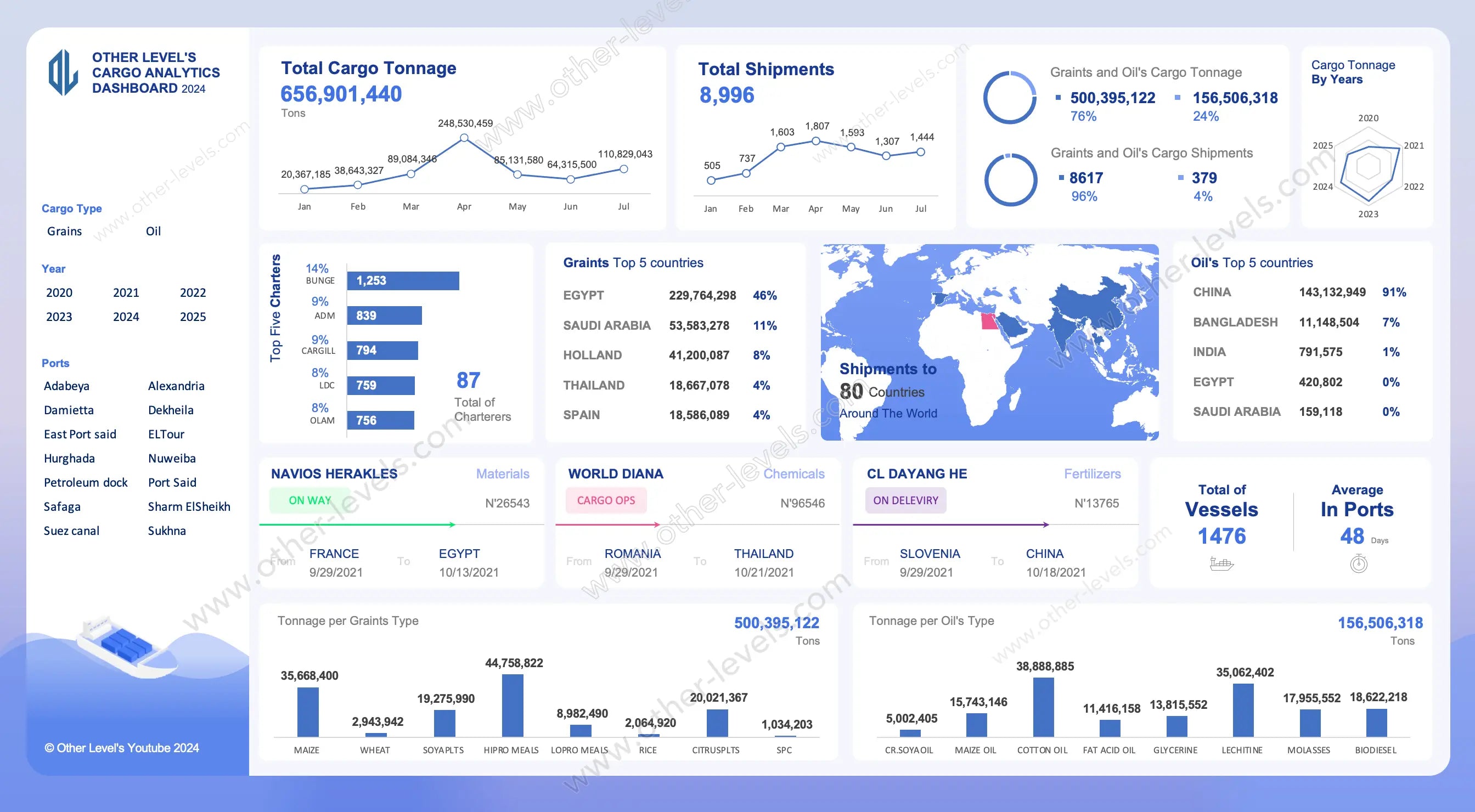
- International cargo: shipment and vessel flows on a trade map.
Which supply chain dashboard should you choose?
- Running deliveries and freight: the Supply Chain KPI Dashboard – Freight Analytics.
- Managing trucks and drivers: the Logistics & Transport Management Dashboard or the Enterprise Fleet Management Dashboard.
- Controlling purchasing costs: the Vendor Spend Analysis Dashboard.
- Shipping internationally: the Cargo & Vessel Tracking Dashboard.
Not sure which metrics belong on your dashboard? Read our guide to the 15 supply chain KPIs to track in Excel (OTIF, fill rate, inventory turns, freight cost and more).
FAQ
What is a supply chain dashboard? A one-page report that brings purchasing, inventory and transport data together as KPI cards, trends and breakdowns, so you can see service level, cost and supplier performance at a glance.
Do these templates work without Power BI? Yes. They are built in Microsoft Excel with PivotTables, charts and slicers. You only need Excel.
Can I use my own data? Yes. Replace the sample data and refresh, or preview your data first in the free dashboard maker.
Explore Related Supply Chain Resources
Explore our curated Excel Dashboard Templates — from Finance and Sales to HR and Inventory dashboards. All templates include step-by-step video tutorials on our Other Levels YouTube Channel.