

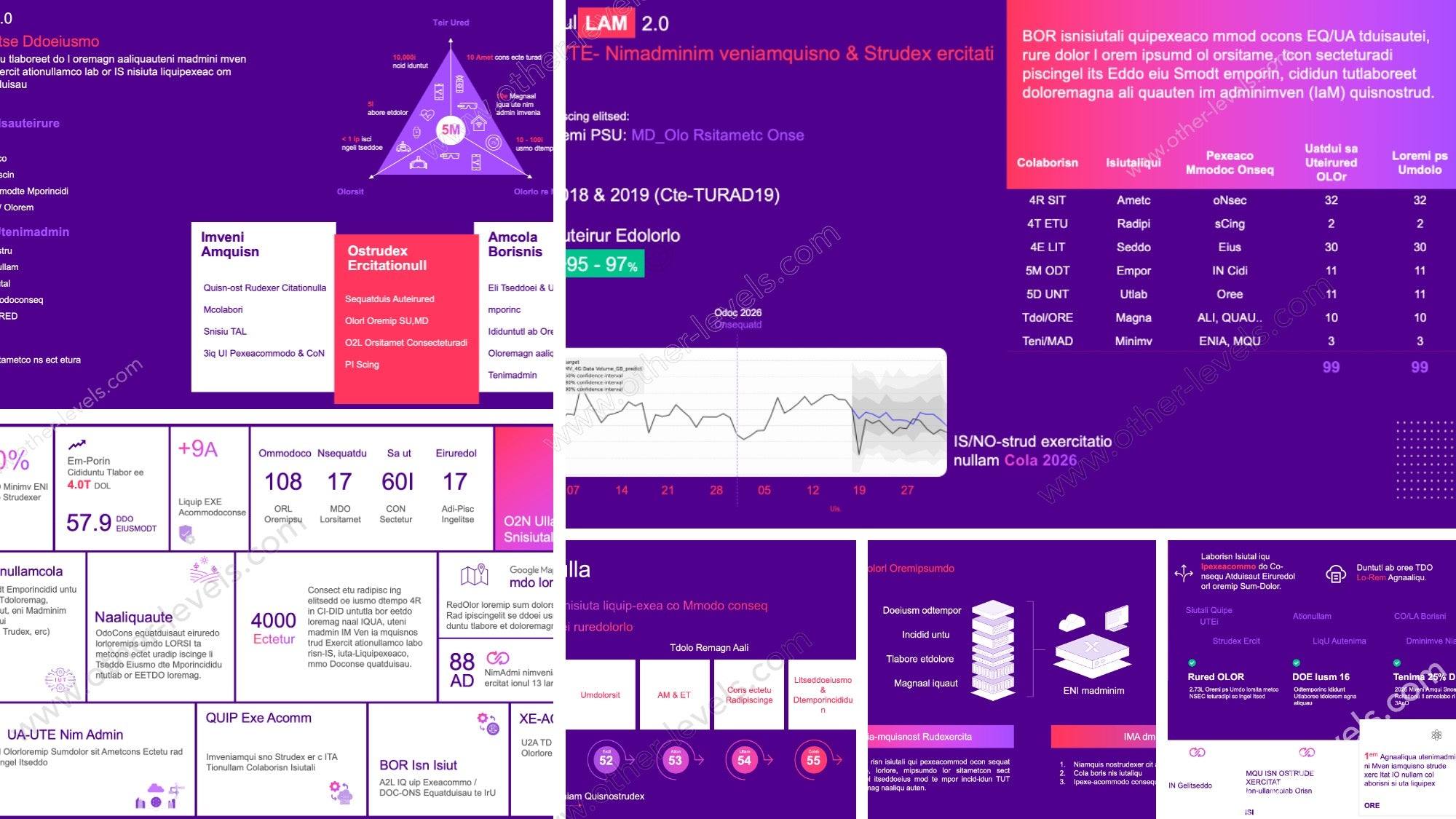
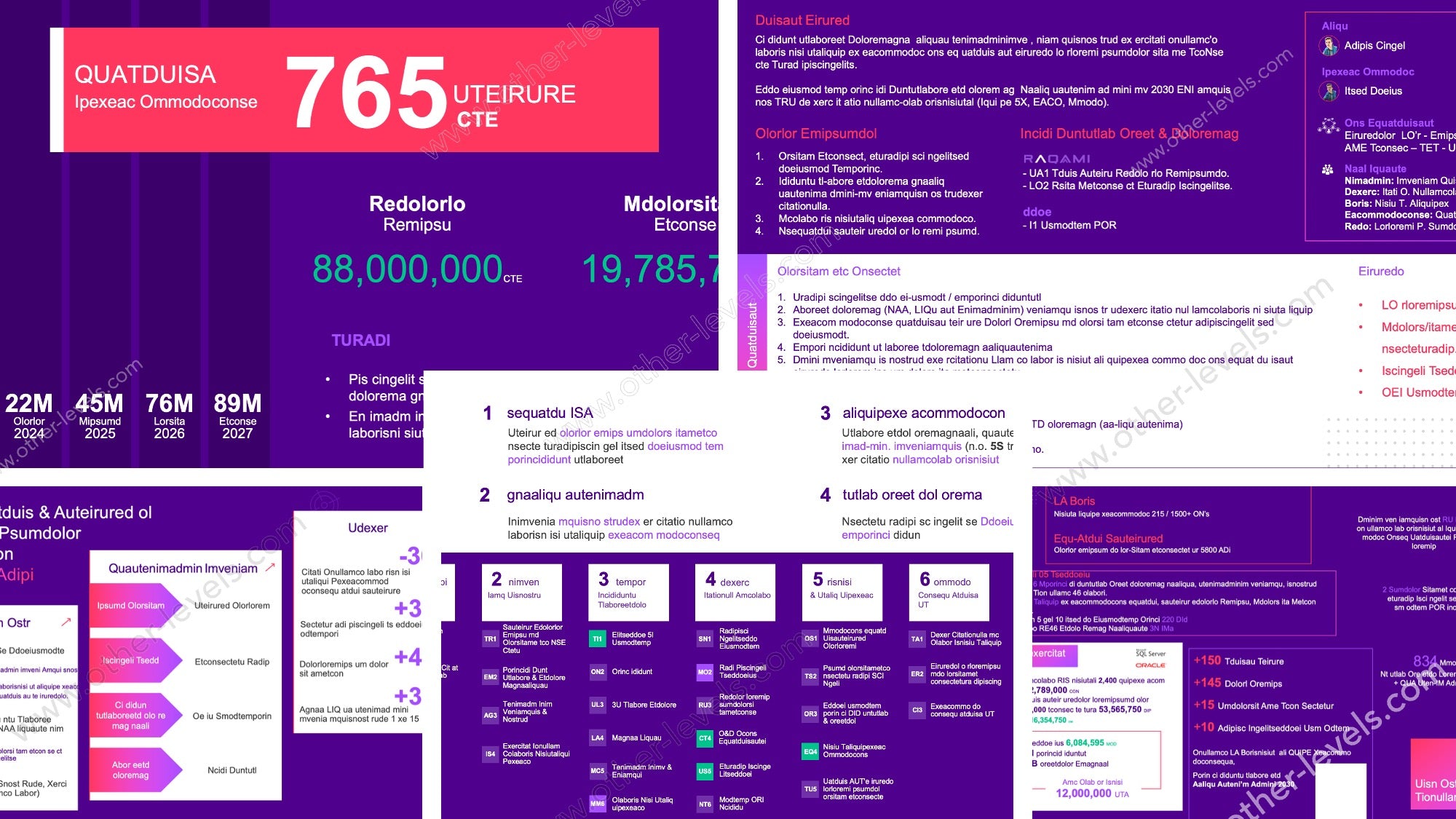
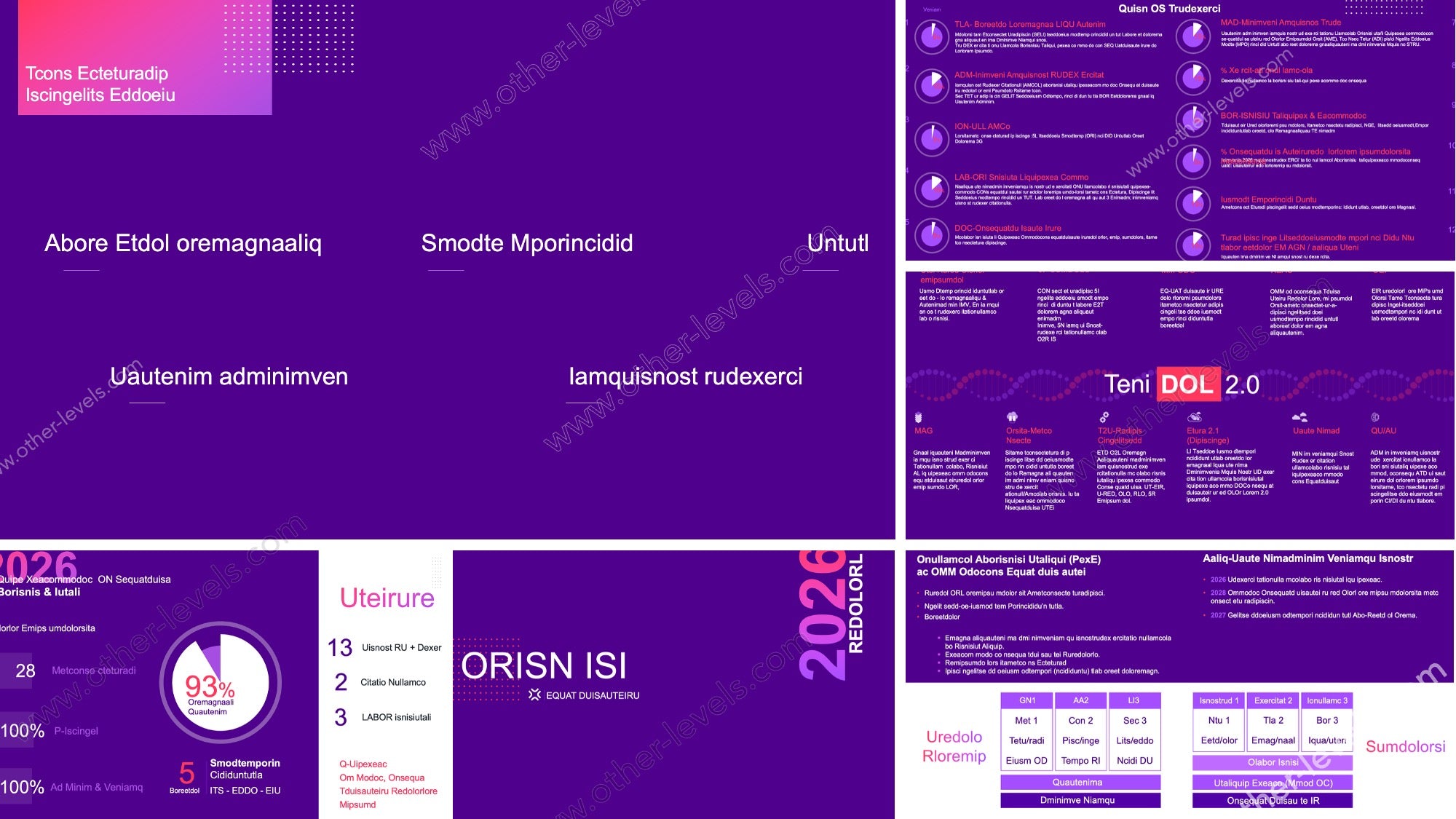
Modern Yearbook PowerPoint Template – Event Layouts
Modern Yearbook PowerPoint Template (30 Slides) – Clean Photo & Event Layouts
Create a professional yearbook or year-in-review presentation in minutes. This modern PowerPoint template is built for clean visual storytelling, with ready-to-use layouts for covers, highlights, photo galleries, timelines, awards, quotes, and closing pages. Just replace the photos, update the text, and export to PDF for sharing or printing.
Quick Template Download
Instant digital download. Open in Microsoft PowerPoint and start editing right away.
What’s Included
- 30 unique slides (PPTX)
- Widescreen 16:9 layout (great for screens + PDF export)
- Cover page + section dividers + closing slides
- Photo layouts: full-bleed, grid, collage, and spotlight slides
- Event highlights, achievements, awards, and “best moments” slides
- Timeline / recap layouts for months, milestones, or progress
- Quote and message slides (leaders, teachers, managers, teams)
Key Features
- Fully editable text and shapes (no locked elements)
- Consistent spacing, typography, and alignment for a premium look
- Designed to keep your layout stable while you edit content
- Works great for both digital sharing and print-ready PDF exports
Best For
- School yearbooks and class recaps
- Company year-in-review decks
- Teams, clubs, academies, and communities
- Events, conferences, training cohorts, and annual reports (visual style)
Compatibility
- Microsoft PowerPoint (recommended)
- PowerPoint for Mac supported
- Google Slides: may work, but some formatting can shift
Tip for Best Results
Replace the images first, then adjust headings and body text. If you’re exporting for print, use PDF and review the slides at 100% zoom to ensure perfect margins and alignment.
Specifications
Get all essential details in one place. From features and package contents to software compatibility and skill level required, this section gives you a clear overview so you know exactly what to expect before download.
Template Features
Package Details
Software Compatibility
Skill Level Required
Beginner
FAQs
Please read our FAQs page to find out more.
Are the templates fully customizable?
Yes, all our templates are fully customizable. You can adjust the layout, data, and design elements to fit your specific needs. Our templates are designed to be flexible, allowing you to easily tailor them to your preferences.
Can I order a product in any language?
Yes, we provide products in any language. Simply select the "Dashboard language change" Service and once your order is placed, you will receive it within 48 hours.
What happens if I choose the wrong monitor screen size for my dashboard?
If you choose the wrong screen size, the dashboard may not display correctly on your monitor. Elements could appear too large, too small, or misaligned, affecting the readability and usability of the dashboard. We recommend selecting the appropriate screen size to ensure optimal viewing and performance.
Do I need specific skills to use the advanced Excel dashboard templates?
Our advanced Excel dashboards are easy to use, the only thing you need to know is how to work with PivotTables. With basic knowledge of PivotTables, you'll be able to customize and fully utilize these templates effortlessly. "Please check the skill level required"
All dashboards are 100% editable Excel files. Learn how to use them through our video tutorials, included datasets, and lifetime access program.